

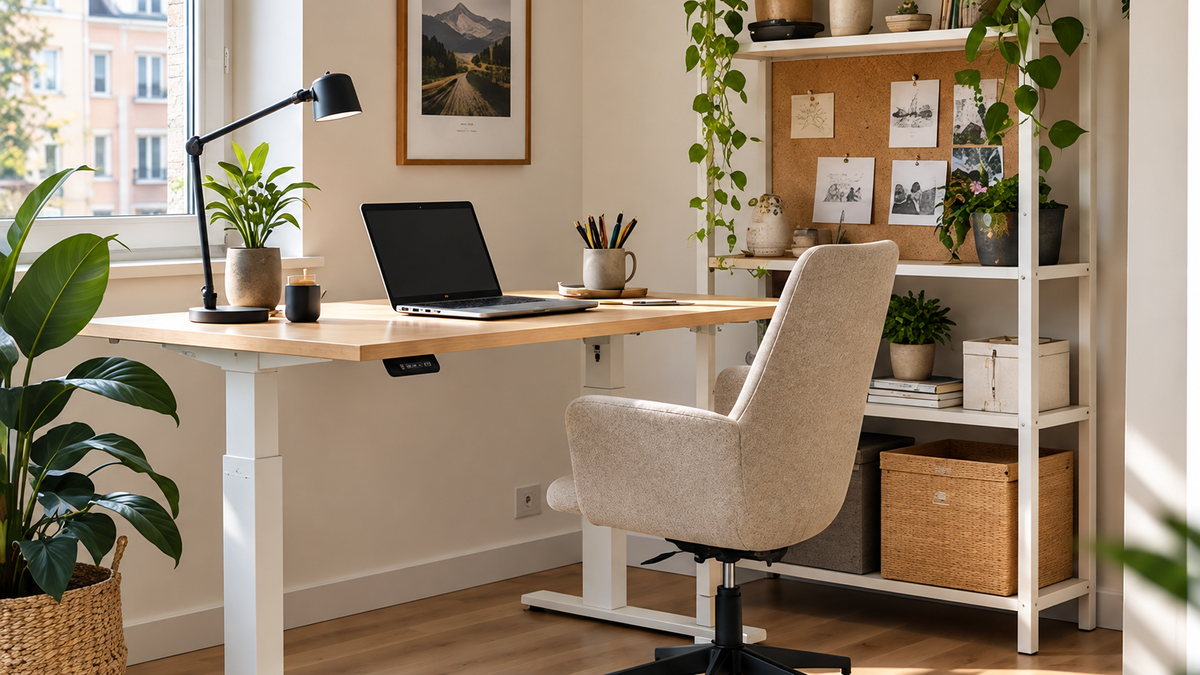
Working from a small apartment can mean answering emails beside the bed, joining a call at the dining table and trying to put the laptop away before dinner. A home office in a small apartment does not need a separate room to work well, but it does need a little planning. Otherwise, the desk becomes a permanent obstacle and work follows you into every corner of the home.
At HOMAVO, we see home working as part of everyday living rather than an entirely separate world. The right setup should support the person working and leave the rest of the space usable once the laptop closes. That may require a more thoughtful furniture choice, but it often starts with moving what you already have.
Quick answer: To create a home office in a small apartment, choose a location with enough space for your chair and equipment, position the monitor directly in front of you, keep regularly used items within easy reach and manage lighting and cables. Measure the full desk-and-chair footprint. An adjustable desk is worth considering when its dimensions and height range suit both your body and your room.
Plan your home office in a small apartment around the work you do
Write down your actual equipment: laptop, external monitor, keyboard, mouse, notebook, phone and anything else you use daily. Then consider how long you work there and whether you need privacy for calls. Someone who checks email for half an hour has different requirements from someone editing documents all day with two monitors.
Choose a location that works with electricity, daylight, noise and circulation. A spare wall in the living room may be better than a bedroom corner if you regularly work late. If your desk shares another zone, decide how you will put work away at the end of the day. A small cable basket or designated shelf can make the difference between a living room with a workstation and a living room permanently buried under work.
Measure the desk and the space around it
Do not choose a desk by width alone. A monitor and keyboard need depth, and the chair needs enough room to move back. Check doors, cupboard openings and any window or radiator that could make the placement awkward. Measure the desktop, the space beneath it and the full working area behind the chair.
One of our HOMAVO Plus Electric Standing Desks with USB-A & Type-C Charging, 70–117 cm is available in three desktop sizes: 120 × 60 cm, 140 × 70 cm and 180 × 80 cm, with a height-adjustment range of 70–117 cm, alongside memory presets and charging ports. These are useful comparison points, not proof that the desk will fit every user or room. Check your equipment footprint and the exact SKU before purchasing.
How much desk depth do you need?
An external screen requires a comfortable viewing distance as well as space for the keyboard and mouse. The US OSHA workstation guidance explains why desk depth and leg clearance matter, and the UK HSE posture guidance recommends arranging the monitor and input devices so you do not have to twist or strain to use them. Use the guidance to adjust the setup to your own needs rather than treating a single desk dimension as a universal solution.
Set the screen and chair before styling the room
A beautiful workstation is frustrating if the monitor is too low or the chair cannot fit properly under the desk. Place the screen directly ahead, adjust its height for comfortable viewing and keep the keyboard and mouse easy to reach. When using a laptop for long periods, a separate keyboard and mouse may make it easier to raise the screen while keeping the input devices at an appropriate height.
Give the chair proper space and consider whether you need a chair designed specifically for extended desk use. A dining chair may work for short tasks but should not be marketed as a perfect ergonomic substitute for every working routine. If you work remotely for many hours, a suitable chair and screen setup are worth prioritizing before buying attractive accessories.
When does a height-adjustable desk make sense?
An adjustable desk allows the desktop position to change through the day. That can be useful if you prefer varying your work posture or share a workspace with someone of a different height. It does not automatically create good posture, replace breaks or guarantee improved health outcomes. The full setup still needs to fit you, and your work routine should include opportunities to change activity.
Our linked HOMAVO desk product page lists memory presets, an anti-collision system and USB-A/Type-C ports for that model. Those functions may be convenient when a desk is adjusted regularly or used for charging devices, but check the precise variant and specifications. The UK HSE advice on work routines and breaks is a useful reminder that movement and changes of activity matter alongside workstation furniture.
Keep the work zone from taking over the home
Use a drawer, basket or cabinet for documents and accessories that do not need to stay on the desk. If the workspace is in the living room, avoid spreading equipment across the sofa or dining area. Plan for the end of the workday as deliberately as the start: unplug, clear the surface and return the room to its other use.
If your desk sits in a shared living room, our small living room ideas guide explains how to balance seating, storage and circulation. Our wider functional home design guide connects the same principle across the house. The best workspace is part of a home that still feels like home when work is finished.
